
The AI-Native
Product Designer
Course
Stop making mockups. Start shipping products. In 14 weeks, go from design beginner to launching a live, working product used by real people — with AI as your accelerator, not your crutch.
Not sure if this is right for you? Take the free AI Maturity Assessment →
AI-Native Product Designer Course — Key Facts
Classroom Hours
+ 70 hrs guided homework
Modules + Capstone
Across 4 phases
Live Product Shipped
With real users
Target Salary Range
AI-skilled designers, India
“Most designers today use AI reactively — only when stuck. The designers who will lead the next decade are the ones who orchestrate AI across the entire product workflow, while keeping human judgment at the centre.”
— Lead Instructor, AI-Native Product Designer Course
The Ship-a-Product Difference
What Makes This Not Another Figma Course
Most design courses teach you to make screens look pretty. This one teaches you to ship products users actually use.
| MCAL AI-Native Designer Bootcamp | Generic Online Design Course | |
|---|---|---|
| Design Judgment | 3 weeks dedicated to UX fundamentals before any AI | Jumps straight to tools |
| AI Orchestration | Strategic deployment — when to use, when to override | “Prompt this tool” tutorials |
| End Deliverable | Live URL · 50+ real users · WCAG AA compliant | Mockups & slide decks |
| Design Systems | Token-based system + developer handoff specs | Rarely covered |
| Accessibility | Dedicated module + enforced throughout | Mentioned, not practiced |
| User Research | Real user interviews before any design work | Assumed or skipped |
| Employer Signal | “This designer has shipped a real product” | “This person watched videos” |
The Capstone Arc
One Continuous Build. From Problem to Launch.
Every module builds toward one outcome: a live, deployed web product you designed, built, and launched yourself.
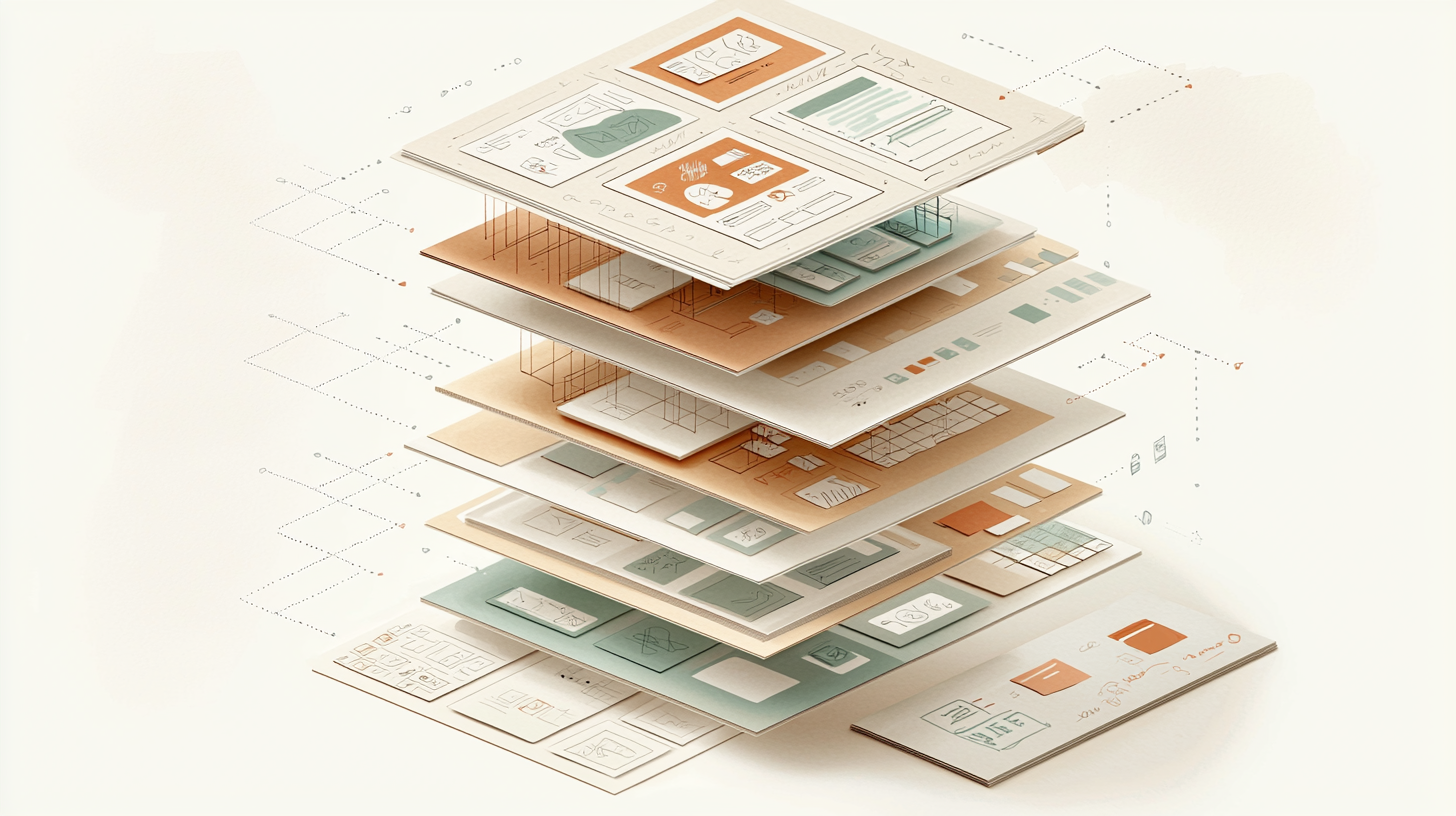
From Week 1, You Ship Toward a Real Product
Every module adds a new layer to your live product
Most courses separate “learning” from “doing.” At MCAL, they happen simultaneously. By Week 3, you’ve validated a real local problem. By Week 9, you have a working prototype connected to a real database. By Week 14, you’ve launched.

Launch a Product That Matters
Live URL · 50+ real users · Documented case study
You select a real local problem: student housing, neighbourhood health resources, service booking for elderly residents, small business scheduling, local event discovery. You validate it, design the solution, build it, launch it, and test with real users.
Problems Past Cohorts Have Tackled:
Why employers hire AI-native designers at ₹22–37 LPA — The capstone proves you can integrate user research, design systems, AI-accelerated workflows, accessibility compliance, and live deployment — all in one shipped product.
The Market Is Shifting — Now
AI-Native Design Is the Hiring Requirement
The numbers designers can’t ignore — from the Indian job market and the global AI design tools economy.
AI Design Tools Market by 2035
Up from $8.32B in 2025 — growing at 15.15% CAGR.
Mid-Level AI Designer · Pune
Product designers with AI skills are commanding premium pay in Pune’s tech market.
Senior AI-Proficient Designer
Senior designers with 5+ years and AI orchestration skills at top Indian tech firms.
Fintech Product Design
India’s highest-paying sector for product designers — hiring aggressively in 2025–26.
Market data: MarketResearchFuture AI Design Tools Report, AND Academy India Salary Benchmarks, LinkedIn UI/UX Trends India 2025.
Complete Curriculum
12 Modules · 4 Phases · Judgment Before Acceleration
Every module ends in a named Lab deliverable. Every deliverable goes into your portfolio.
Phase 1 · Weeks 1–3
The Designer Foundation
Earning design judgment before any acceleration
Lab: Critique 3 live products using a structured evaluation framework — identify what works, what fails, and why
Design judgment established — you can now evaluate any product objectively
Lab: Build a fully responsive 4-screen UI in Figma demonstrating layout, typography, and state management
Figma proficiency achieved — your first portfolio-quality screens
Lab: 3 completed user interviews, a synthesised persona, and a validated problem statement for your capstone
Capstone problem locked in — built on real user evidence
Phase 2 · Weeks 4–6
AI as a Design Accelerator
Multiplying productivity with strategic AI deployment
Lab: A documented prompt library for 5 core design tasks — with annotated strong-vs-weak examples and output quality analysis
AI fluency earned — you can now direct AI, not just react to it
Lab: A fully synthesised research report from your 3 interviews — cross-validated between AI synthesis and manual analysis
Research synthesis multiplier unlocked — 10x faster without losing rigour
Lab: A concept exploration document — 10+ AI-generated variations, evaluated against user criteria, with a defended final direction
Concept convergence achieved — ready to build
Phase 3 · Weeks 7–9
Generative UI & Real Prototypes
Shipping working products, not mockups
Lab: A 10-screen UI flow generated with AI, refined in Figma, with documented “before vs after” critique showing design judgment applied
UI generation mastered — AI output that doesn’t look AI-made
Lab: A deployed working prototype with a public URL and at least one real database interaction (form submission, login, or data display)
Your product is now LIVE on the internet
Lab: A complete design system with 20+ components, fully documented tokens, and a written handoff spec developers can execute without a meeting
Enterprise-grade systems skill unlocked — this is what senior roles require
Phase 4 · Weeks 10–12
Professional Design & Future Skills
Professional excellence and long-term capability
Lab: A full accessibility audit of your capstone with documented remediation — contrast fixes, focus states, alt text, keyboard navigation
WCAG AA compliance achieved — your product is genuinely inclusive
Lab: A complete developer handoff document — reviewed and approved in a mock design review session
Stakeholder communication mastered — you can lead design reviews
Lab: A personal career roadmap with a 6-month skill development plan post-graduation
Course complete — capstone launch ahead
Capstone · Weeks 13 & 14
Launch. Iterate. Present.
Two weeks of intensive build, launch, and iteration. Deploy to Vercel or Netlify. Test with real users. Document your case study. Present to cohort and invited industry guests.
What You Will Be Able to Do
Job-Ready. Portfolio-Proven. Shipped.
Discover and validate real user problems through structured interviews, journey mapping, and job stories — before designing anything
Design usable, accessible, ethical products that meet WCAG AA compliance and serve users first
Orchestrate AI across your workflow — research synthesis, persona generation, UI creation, documentation — without dependency or blind trust
Build and ship a live web product using no-code platforms connected to real databases — no coding required
Construct a production-grade design system with reusable components, documented tokens, and developer-ready specifications
Communicate with developers, PMs, stakeholders — write specs others can execute; lead design reviews with confidence
Evaluate AI output critically — know when AI suggestions improve design, and when your judgment must override
Present a 4-project professional portfolio with live links, case studies, and documented design thinking that impresses hiring managers
Graduate Ship Rate
Launch products meeting the 50+ real user target
WCAG AA Compliance
Graduates achieving accessibility on shipped product
Capstone Completion
Every student completes and presents their capstone
Tech Stack
Tools & Technologies You Will Master
Hands-on, project-proven experience with every tool in this stack by graduation.
Design & Prototyping
Figma, Framer, Webflow, Figma Dev Mode
AI Acceleration
Claude, ChatGPT, Galileo AI, Uizard, Visily, Midjourney, Adobe Firefly, Lovable.dev
Research & Synthesis
Dovetail, Voiceflow, structured interview methods
Build & Deploy
Firebase, Supabase, Vercel, Netlify, GitHub Pages
Accessibility & QA
Google Lighthouse, axe DevTools, WCAG AA
Design Systems
Tokens Studio, Supernova, Figma Components
Conversational UX
Voiceflow for voice and conversational prototyping
Visual Generation
Midjourney, Adobe Firefly for illustration and variation
Who Should Enroll
Built for People Who Want to Ship
Three groups, one goal: launching real products, not building academic portfolios.
Beginners with No Design Background
Career changers, entrepreneurs, PMs, and students looking to design their own products from scratch.
Prerequisites: Curiosity and willingness to ship imperfect early work. No Figma experience required.
→ Zero to live deployed product in 14 weeks
Traditional Designers Seeking AI Integration
UX/UI professionals with 1–5 years of experience wanting to multiply workflows with AI — without losing rigour.
Prerequisites: Basic Figma proficiency and internalised design fundamentals.
→ Accelerated track through foundations
Developers Wanting Design Judgment
Software engineers and no-code builders who can implement but lack design thinking and research skills.
Prerequisites: Technical comfort with databases, APIs, and deployment concepts.
→ Lead full-stack product work independently
Why MCAL Global
Pimpri’s Only Ship-a-Product Design Bootcamp
Judgment before acceleration — 3 weeks of UX fundamentals before any AI tool, so you can evaluate AI output critically instead of trusting it blindly
Every module ships something real — 12 Lab deliverables + a live deployed capstone product, not slide decks and certificates
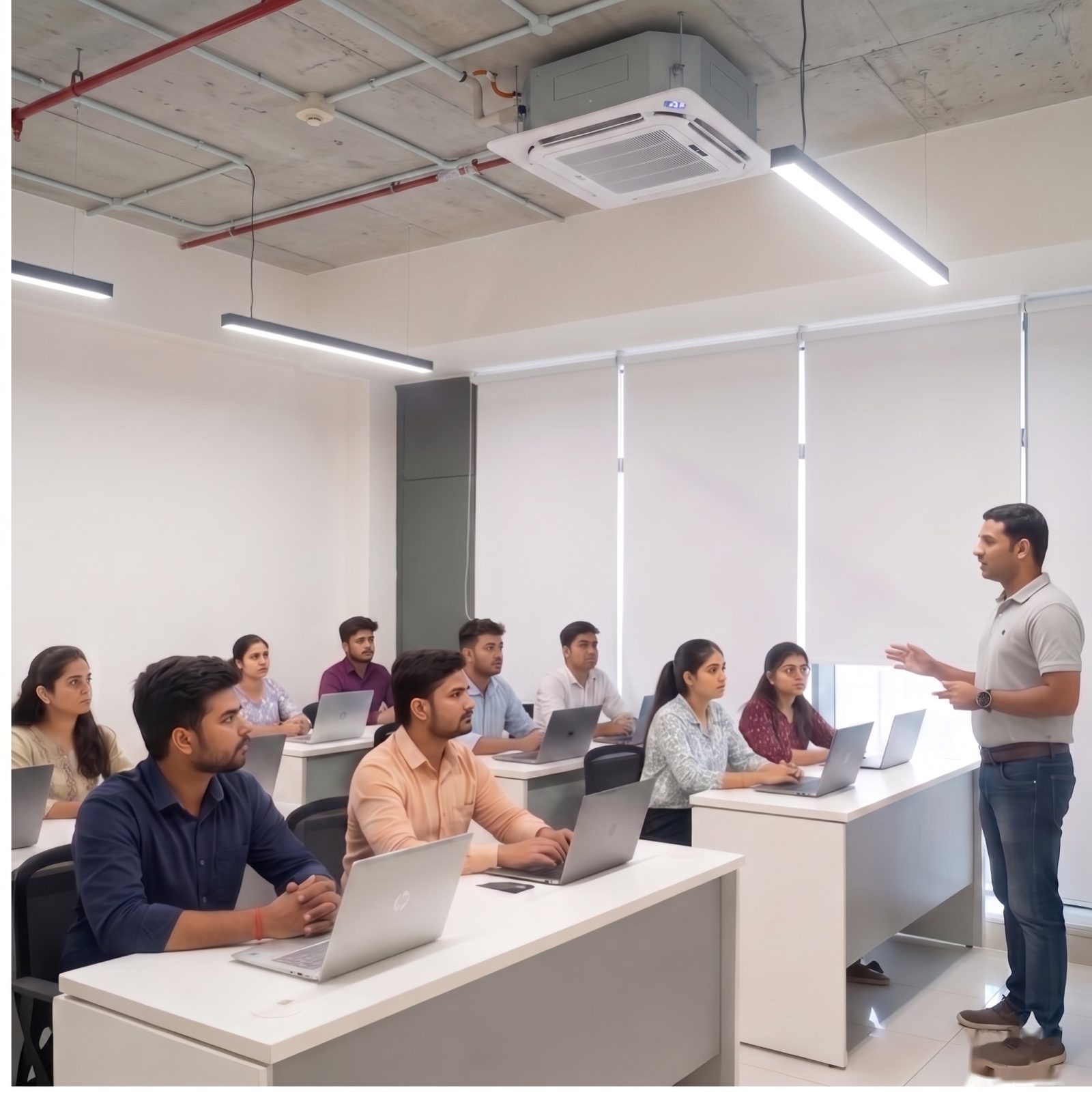
Small in-person cohorts (15–20 seats) — Daily lab feedback from instructors actively shipping products, plus peer critique online platforms cannot replicate
AI as an orchestrated multiplier — Not a gimmick — so graduates can command the ₹10–37 LPA premium AI-native designers are earning in Pune today
Designed for working professionals — 90 minutes daily, Monday to Friday, evening-friendly, with flexible capstone extension at no extra cost
Authority & Trust
Proof, Not Promises
15,000+ professionals from India’s top enterprises have trained with MCAL Global since 2010.
IIBA Endorsed
16+ Years
Global Footprint
Enterprise Trusted










Graduate Outcomes
What Our Graduates Say
"I came in with zero design background. By Week 10, I had a live product with 70+ signups. Two recruiters messaged me on LinkedIn after seeing my portfolio — before I even started applying."
Beginner Graduate
Career Switcher · Now Junior Product Designer
"I'd been a UI designer for 3 years but always felt shaky on research and AI. The Dovetail + Claude synthesis module alone 4x'd my research speed at work. My lead noticed in a week."
Mid-Level Designer
SaaS Product Team · Pune
"As a developer, I always struggled to explain design decisions. The design systems module gave me the vocabulary and structure. I now lead design reviews in my startup — no separate designer needed for v1."
Developer-Turned-Founder
Early-Stage Founder
Frequently Asked
Questions & Answers
Your Next Step
Ready to Ship Your First
Real Product?
In 14 weeks, go from “I want to learn design” to “Here’s the URL of the product I shipped.”
105+ hours · 12 modules · 4 phases · Live deployed capstone · Portfolio-ready